Rivet Run
Rivet Run game details
How to play Rivet Run
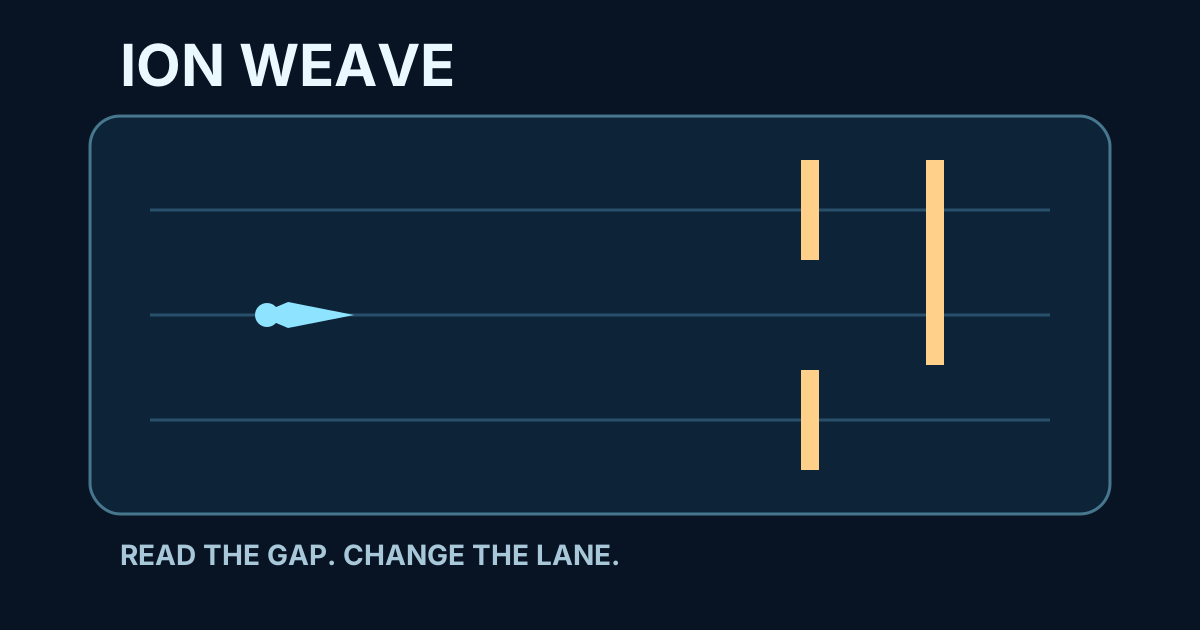
Rivet Run is a compact game of reading and movement. Your glider stays near the bottom of the screen while rivet gates descend through one of three lanes. The rule is simple: see which lane receives the gate and move into either other lane before contact. All three rails, the approaching risk, and your current position remain visible. The challenge comes from a quicker rhythm, never a hidden command.
- Arrow keys or A and D: move the glider one lane left or right.
- Tap a side of the game: changes lane on a phone, tablet, or touch-enabled computer.
- P or Escape: pauses the current route without losing real progress.
- R: starts a fresh run whenever you want another sequence.
Three routes with visible signals
The opening route introduces ten gates with generous space between entries. The second adds longer sequences, and the third shortens the time between them. Passing a gate counts as one completed gate; there is no hidden multiplier, purchased score, or fictional player activity. Completing a route also prepares the return point for the next route, keeping a mistake understandable and the next attempt focused.
One restore and a local result
After you finish the first or second route, you have one restore that returns to the latest route you genuinely completed. It does not create gate passes or turn a failed run into a win. Clearing all three routes saves only this browser's best gate count. The result is not a global leaderboard and does not claim activity from anyone else.
Original and direct on this domain
Rivet Run was created for Jogos de Plataforma with Canvas, vector art, JavaScript, keyboard and touch controls, and short browser-synthesized pulses after you begin. It loads no outside soundtrack, needs no download or account, and never redirects the page to another website. Sharing is optional: the command opens native sharing or copies a result only after you choose it.
More games like this

Frequently asked questions
Yes. All three routes are free in the browser and need no installation, download, or required account.
Use the left and right arrows or A and D. Each command moves the glider by one lane.
Yes. Tap the left or right side of the Canvas, or use the visible buttons below the game to change lane.
After clearing route one or two, one restore returns to the latest route you actually completed.
No. The game and synthesized sounds are served on this domain; its best result is local and there is no global leaderboard without real data.